
Great Application
This smart merger makes file management much easier than before. No, I can conveniently handle my PDF document without much time and effort.
Wondershare PDF Merger allows you to combine multiple PDFs. You can select merging methods for each imported PDF file flexibly, letting the program only merge the selected pages from each file. Also, you can freely change the position of each file to put them in an order you prefer.
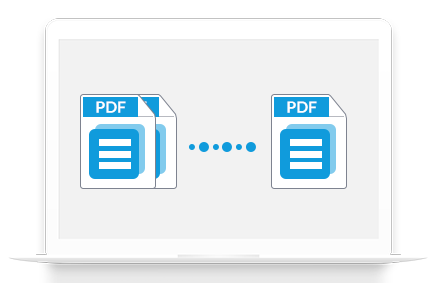
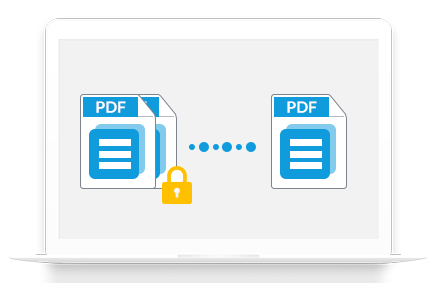
Wondershare PDF Merger can help you merge permission password-protected PDF files directly without requiring the password and combine open password-protected PDF files with the right authorized password. The program will remove the security of original PDF files after merging.
With PDF Merger for Windows, you are also able to edit the properties of your PDF files, such as title, subject, author, and keywords. Also, you can set open password or permission password for the output file. Then no one can view, edit, or print the content on your PDF document without authority.
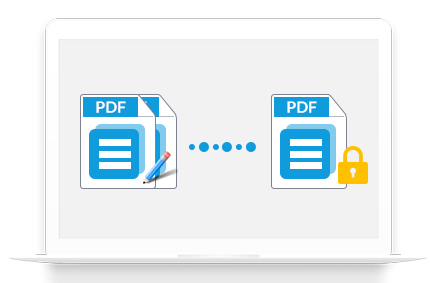
This smart merger makes file management much easier than before. No, I can conveniently handle my PDF document without much time and effort.

It is an efficient tool for PDF merging. Another amazing feature is that it lets you add a password to the merged file to improve its security. This is very crucial.


Disponible sur Windows, Mac, iOS, et Android.
Essai Gratuit Essai Gratuit Essai Gratuit Acheter Maintenant