
Quite Simple
There is no learning curve for the program. It guided me to walk through the whole process of creating the EPUB file. I have nothing to worry about.
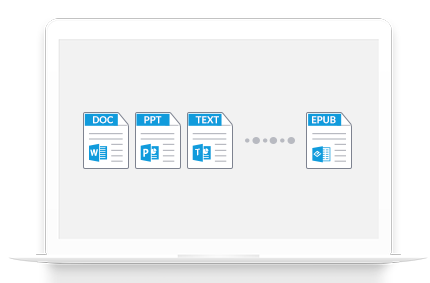
Wondershare MePub for Mac is a simple and robust EPUB creator that helps you convert many other format files to EPUB eBooks, like .pdf, .docx, .html, .chm, .png and .jpg, etc. in macOS. You can transfer the created epub files to your ebook readers for better reading or publish them on your website after EPUB eBooks are created with Wondershare MePub for Mac.
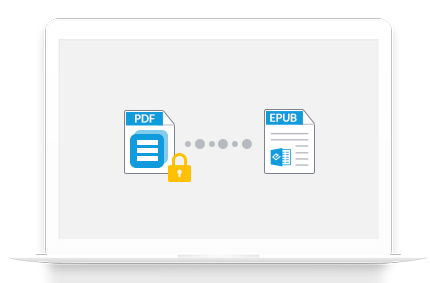
Wondershare MePub for Mac supports converting copying and printing restricted PDF files to EPUB eBooks. It also supports converting open password-protected PDF with the right authorized password.
This EPUB creator for Mac supports uploading and converting multiple files at a time and it only takes seconds. It also allows you to set a book cover using a local image and customize your layout and book info for the output EPUB files.
There is no learning curve for the program. It guided me to walk through the whole process of creating the EPUB file. I have nothing to worry about.

The EPUB builder supports a wide range of documents and file formats. With a few clicks, I created a personalized eBook as I wish.


Disponible sur Windows, Mac, iOS, et Android.
Essai Gratuit Essai Gratuit Essai Gratuit Acheter Maintenant